
CHAPTER 01 / THE VOIDED SMP
Getting started
Your first trip through The Voided SMP.
Start in the Citadel, choose your class and world, then enter the Adventure portal. You can learn the rest as you play.
Last updated
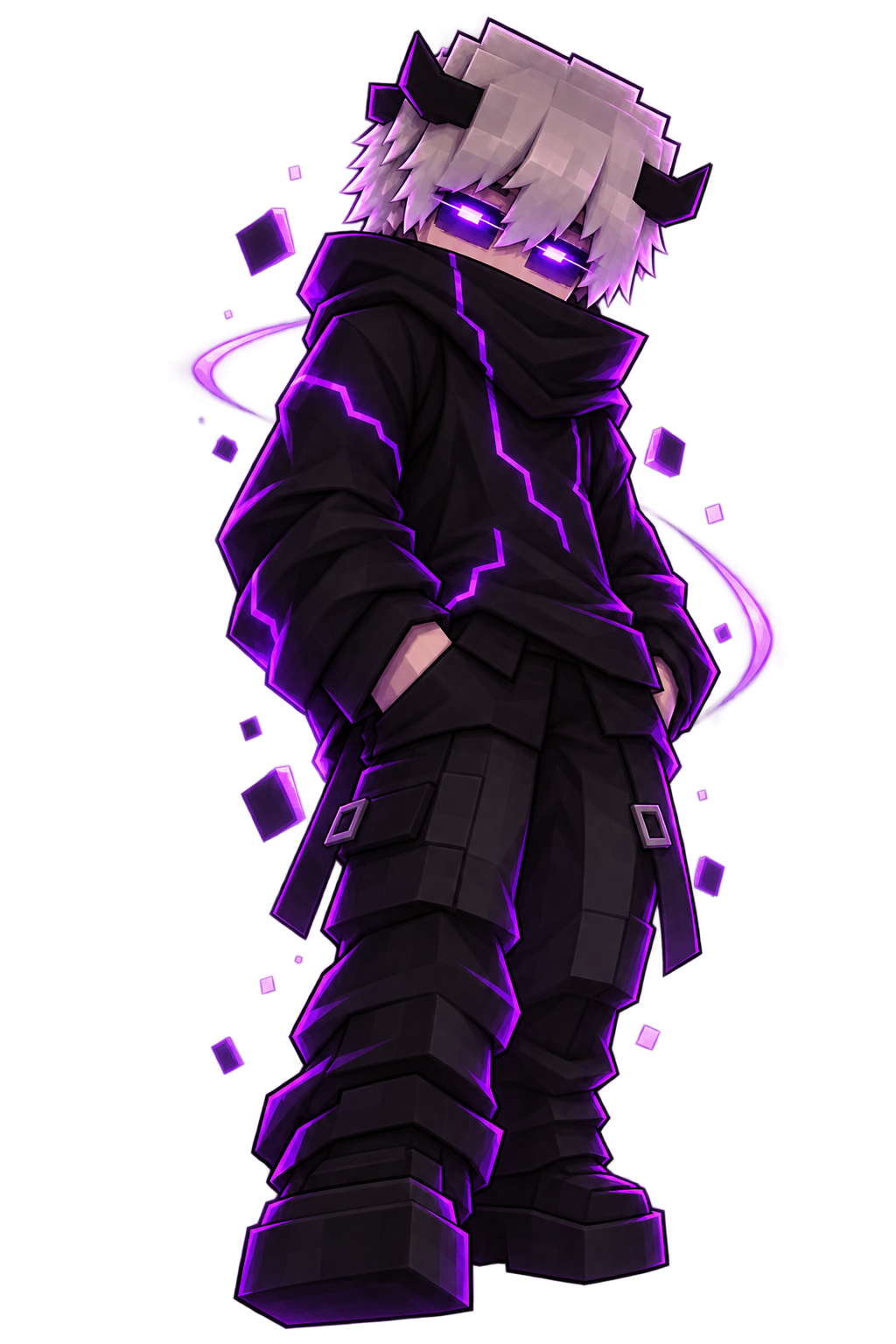

Your first session
- 01
Add
mc.voided.vipin Minecraft Java 26.2. The Voided resource pack is required: set Server Resource Packs to Enabled in the server’s Edit screen, then join. It supplies our custom item art; music volume remains your choice. - 02
Run
/tutorial, choose a class, and open/menuto find your tools. - 03
Choose through
/menu→ Worlds or/worlds, then use the Adventure portal to enter your selected world. - 04
Use mining realms for resources, permanent worlds for your home, and save a personal waypoint.
Keep this close
/menu is your main hub. If you need a reminder, return to this handbook. Discord’s /link followed by Minecraft’s /discord link <code> connects your accounts.
Keep track as you play
Your sidebar keeps available Voidmarks visible and cycles progression objectives. Use /menu → Settings → Display & Tags if you prefer to hide it.
Want the full picture?
See detailed steps, limits and what to do when something goes wrong.
In-game menus reflect the latest server tuning. Need help? Ask the community. Image credits